Source document
A readable receipt photo or PDF, with the merchant and date visible.
Organize receipt photos and PDFs alongside your business expense records, so the context is there when you review.
Start with one record. Review it while the details are fresh.
Get Umadeit for iPhoneYou buy materials for a client job. Keep the receipt, record the expense, and add the project name to your notes. During your weekly review, check that the receipt and the recorded amount agree. Flag anything you cannot explain yet.
Illustrative workflow. No customer data shown.
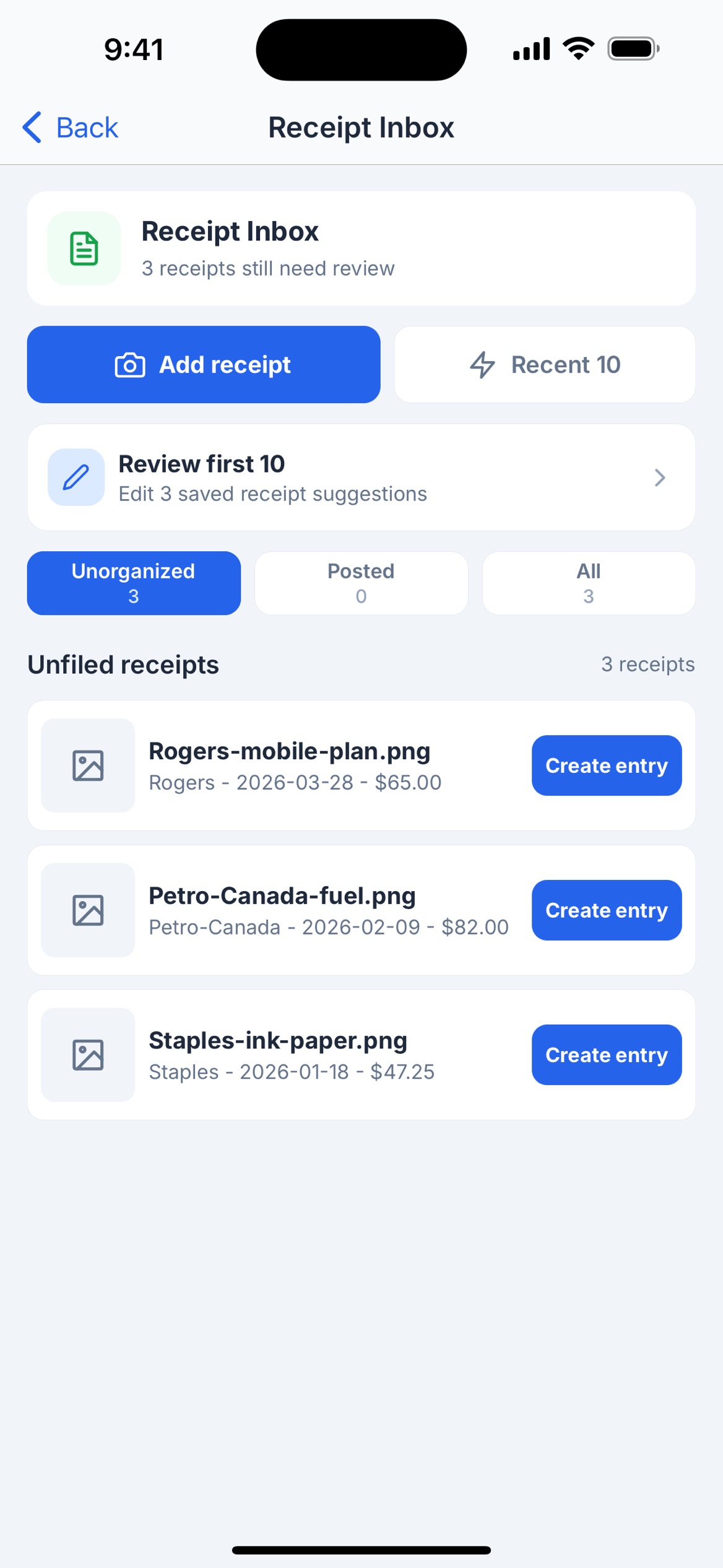
A readable receipt photo or PDF, with the merchant and date visible.
Amount, category, and a note about the business purpose.
Does the record match the receipt, and is anything still unclear?
No. A saved receipt supports your records; it does not establish tax eligibility. Review your circumstances with a qualified professional.
The current App Store description includes receipt photos and PDFs. Review the imported information before treating it as a completed record.
Start with one invoice, one receipt, or one business trip.
For iPhone · In-app purchases available